



If you’ve been following Meta’s slow but steady expansion of Horizon Worlds, the next chapter has arrived – and it’s a surprisingly social one. Horizon Hyperscape, once a purely solo capture tool for Quest 3 and Quest 3S users, now allows you to create a digital copy of a real-world room and invite your friends to explore it with you. And by “invite,” Meta finally means something simple: send them a link. Nothing more. Nothing less.
If you’ve been around VR long enough, you know this is a small revolution. Most social VR spaces feel like cartoony playgrounds, but Hyperscape pushes things toward realism by letting you walk through a world that actually existed around you a few hours earlier. And now your friends can step into that world too – whether they’re wearing a Quest headset or just opening the Horizon mobile app on a phone.
A Big Step for Social VR – and for the Future We Believe In
At VR GO, we’ve always argued that VR becomes truly powerful when it becomes shared. And Hyperscape’s new feature moves Meta closer to that idea. Instead of trying to explain to your friends, “Look, I scanned my room in VR,” you can simply say: “Here’s a link, come inside.”
It feels like the early days of the internet, when a simple hyperlink could take you somewhere entirely new. Except now, that “somewhere” can be your living room, your art studio, the office you work in, or even a cozy Airbnb you stayed in last weekend.

While the captures still take time to process — anywhere from one to eight hours in Meta’s cloud – the end result is a photorealistic environment that runs locally on Quest hardware. Once it’s ready, the space loads quickly and feels surprisingly natural to explore. You move around, gesture, talk, and react as if you’re physically present… just with fewer chairs to stub your toe on.
If you’re following the evolution of Meta’s Horizon ecosystem, you can already see how this fits into the broader trend of mixed reality and social VR becoming more tightly connected. For more context, we regularly explore that direction in our VR Tech section and our coverage of Meta Horizon OS.
The Feature in Practice – Real Rooms, Real Friends, Real Presence
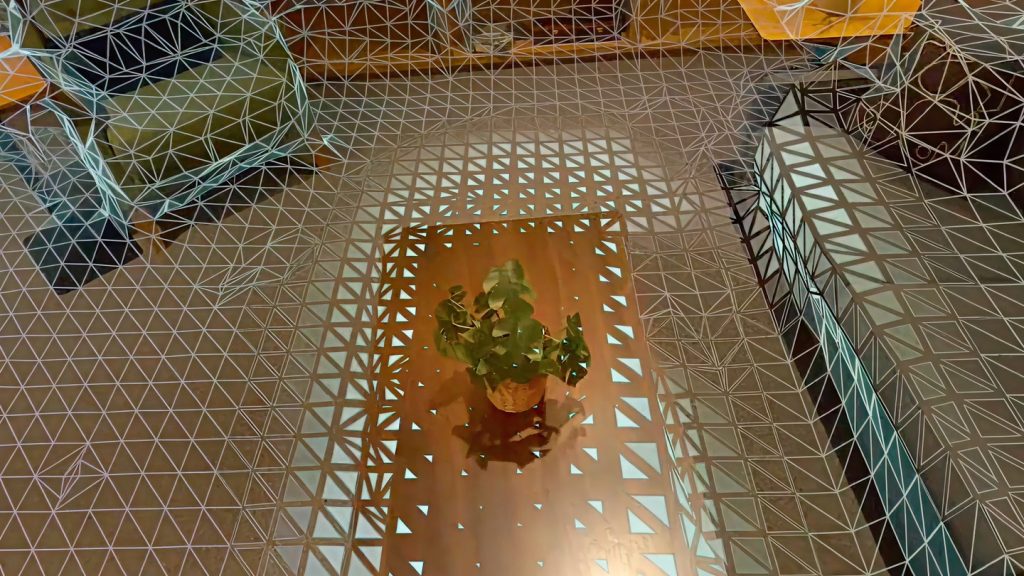
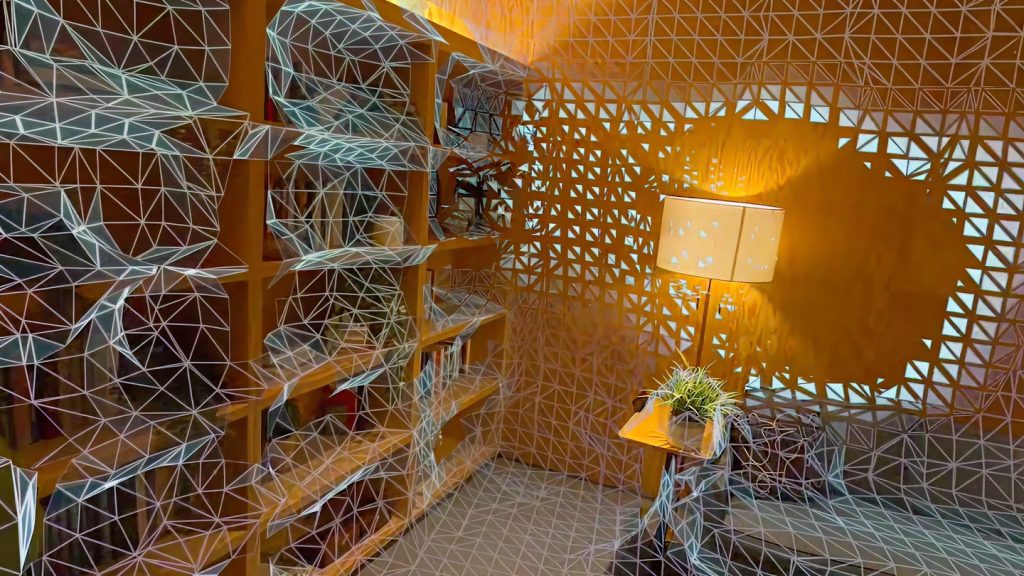
One of the most refreshing things about this update is how human it feels. You can scan your environment in five to ten minutes. Meta does the heavy lifting in the background, and when you receive a notification that your world is ready, you can step inside and see your space re-created with surprisingly accurate geometry and lighting.
And then comes the fun part: inviting people.
Instead of juggling complicated menus, codes or “session IDs,” you simply share a link the same way you’d share a YouTube video or a photo album. Friends join with their Meta Avatars, so the room becomes a kind of digital meetup spot – a personal lounge, a creative hub, or even an improvised VR café. The limit is eight people per instance, which for now keeps things intimate, almost like inviting a small group for a private hangout.
It’s the kind of feature that quietly makes VR more approachable. Even your friends without a headset can join through the mobile app. That alone expands the potential of VR social spaces more than most new features launched this year.
Not Everything Is Perfect — But It’s Moving in the Right Direction
Like all early features, Hyperscape’s social update comes with caveats. Processing times can feel long, and scanned textures still vary in quality – impressive at a glance, but not yet museum-grade. The eight-person limit may feel small for larger communities, and privacy questions inevitably arise when inviting others into spaces that resemble your real environment.
But progress in VR rarely arrives fully polished. It arrives in steps, and this step is significant. Hyperscape now sits somewhere between a spatial capture tool and a casual hangout platform – a hybrid space that hints at how social VR could evolve across the next few years.
If you’re curious about other VR platforms pushing boundaries, check our VR Game Reviews or dive into our coverage of mixed reality trends in the VR Sport category.
Why This Update Matters — Beyond the Feature Itself
The most exciting part of Hyperscape’s new social feature isn’t the scanning or the link-sharing mechanics. It’s the idea behind them.
VR needs frictionless social tools to become mainstream. If VR is ever going to grow to the point where major AAA studios make VR-first games, where millions of players log in daily, and where virtual spaces become as natural as messaging apps, then tools like this are the foundation.
Meta’s move shows confidence: a belief that VR is not just an isolated hobby but a social medium. And if you’ve been following VR GO, you know this aligns perfectly with our belief in VR’s potential to transform how people connect, collaborate and create.
VRGO