


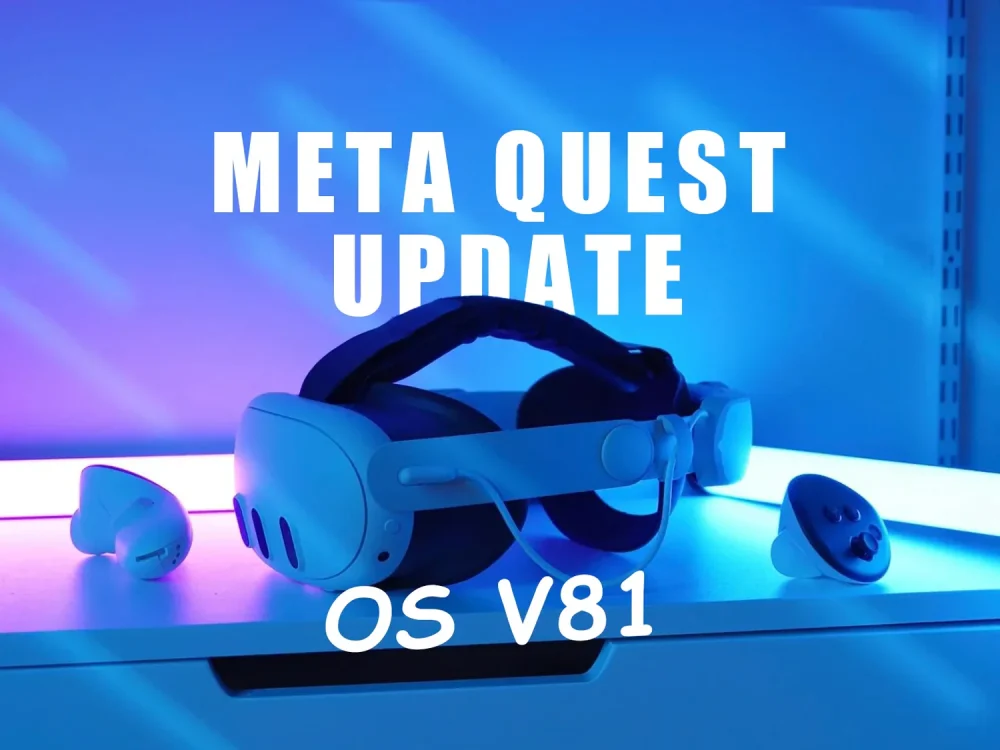
Meta has begun rolling out Horizon OS v81, a significant system update for its Quest 3 and other Quest headsets. This release introduces a redesigned Home interface, tighter integration with Windows 11, and major upgrades to the Horizon Worlds social platform — signaling Meta’s next leap toward seamless mixed reality experiences.
A New Immersive Home for Meta Quest 3
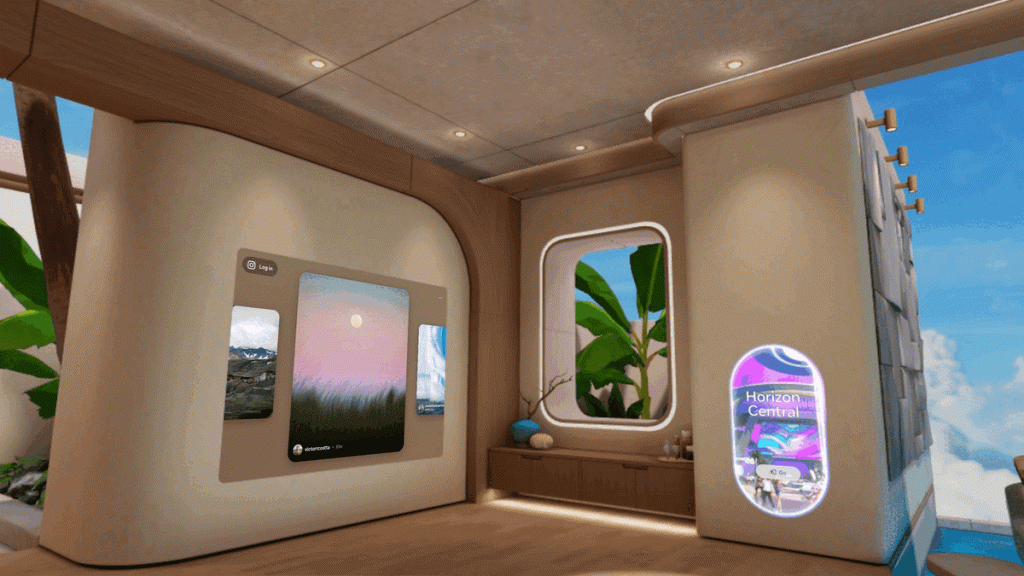
One of the most striking upgrades in Horizon OS v81 is the Immersive Home, designed to make the VR experience more personal and interactive.
- Customizable environments: Users can now pin, resize, and arrange multiple windows around their virtual space, creating a desktop-like experience within VR.
- Passthrough Home mode: This feature anchors apps directly into your real environment using the Quest 3’s high-resolution passthrough cameras — place Spotify on your real desk or position your calendar on the wall beside you.
- Enhanced multitasking: Meta has increased the number of windowed apps from three to twelve, introducing Universal Resize and Aspect Ratio Locking for smoother window management.
Together, these features make the Quest 3 feel less like a headset and more like a mixed reality workstation — where digital and physical worlds overlap naturally.
Windows 11 Integration via Mixed Reality Link
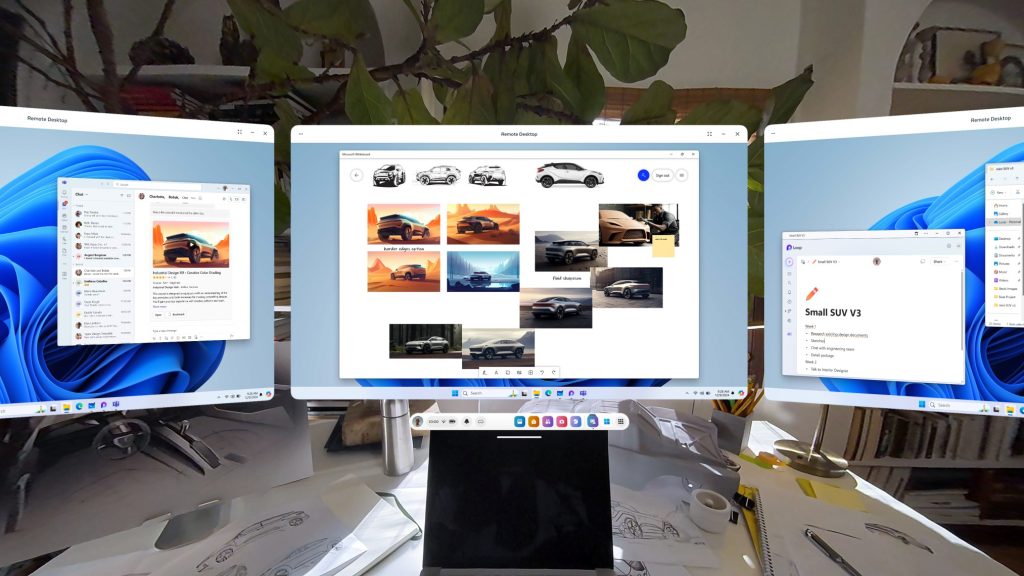
Another major highlight is the Mixed Reality Link, which lets Quest users connect to Windows 11 or Windows 365 and use the headset as a full-fledged remote PC interface.
You can open PC apps, browse files, or manage multiple floating monitors — all within VR. This partnership with Microsoft pushes the Quest platform into professional territory, bridging the gap between productivity and immersive computing.
Horizon Worlds Gets a Social Upgrade
Meta’s Horizon Worlds has also been overhauled as part of this release. The new Horizon Central hub now supports larger worlds, smoother travel between locations, and higher concurrent player counts.
New features include:
- Arena: a venue for live concerts, comedy shows, and esports events.
- Avatar Marketplace: a new way to personalize your identity and support creators in VR.
Meta’s aim is clear — to turn Horizon Worlds into a thriving social platform where work, play, and community blend seamlessly.
Why Horizon OS v81 Matters
- Personalized Virtual Spaces – Immersive Home finally gives users creative control over how their VR environment looks and feels.
- Work in VR – The Windows 11 integration makes the Quest 3 a viable productivity device, not just an entertainment headset.
- Social Growth – Horizon Worlds’ expansion reflects Meta’s vision for the “metaverse” as a shared, interactive digital society.
Potential Drawbacks
The v81 update is rolling out gradually, meaning it might take several weeks before it reaches all devices. Some features require Quest 3 hardware or a compatible Windows 11 setup.
Additionally, traditional gamers might find Meta’s shift toward productivity and social use cases less appealing — but for power users, developers, and tech enthusiasts, this update marks a huge step forward.
Conclusion: Meta’s Biggest Leap Since Quest 3 Launch
With Horizon OS v81, Meta is redefining what it means to use a VR headset. This update transforms the Quest from a gaming device into an all-purpose mixed reality hub — capable of productivity, entertainment, and social connection.
If you own a Quest 3, this update is more than worth the wait. Horizon OS v81 could be the moment when mixed reality becomes truly mainstream.
VRGO